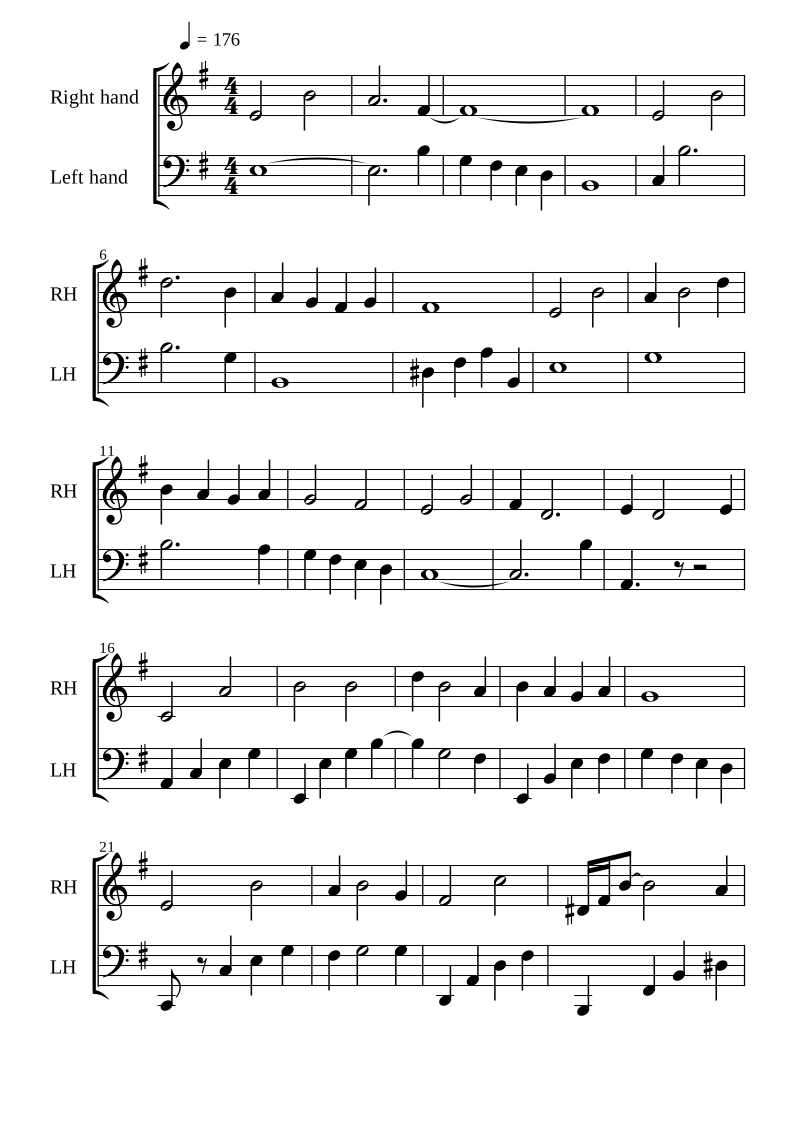
The notes on the sheet and keys on the piano light up together: red for your left hand, blue for your right. Focus on one hand, then bring them together.
Animate the tiles, change the speed, or click a key to hear it. This is a short illustrative pattern.
04
Let the score wait for you.
Practise one line, at your own pace.
Choose a single RH or LH line. Follow it with onscreen keys, a supported MIDI keyboard, or the experimental microphone input. Correct notes advance the score.
Try the flow with these buttons. A match moves the score forward. This preview does not use your microphone.
The rest, close at hand
Small tools. More control.
Start a score
+
Piano CRNN
Piano-only transcription in the desktop app, with a one-time model setup.
+
Your audio
MP3, WAV, M4A and FLAC; up to five minutes and 100 MB.
+
Open a project
Reopen a saved project, import MusicXML, or try The End by theo5970.
+
See the progress
A waveform and frequency view from the uploaded audio accompanies processing updates.
Make a correction
+
Edit on the sheet
Select a bar or drag across several bars to open the matching notes.
+
Piano-roll editor
Draw, move and resize notes; change pitch and beat length, with audible previews.
+
Useful shortcuts
Copy, cut, paste, delete, snap, undo and redo.
+
Room to work
Resize the editor and control rail; change horizontal or vertical zoom.
Set your pace
+
Playback
Switch between original audio and score playback; seek from a note or barline.
+
Speed
Type BPM, use the slider or choose 0.5×, 0.8× and 1×.
+
Metronome
Adjust volume, add a count-in and follow the beat lights.
+
Keyboard fit
Resize, zoom and pan the piano; reset the range or hide it.
Keep the music
+
Arrangements
Both hands, RH, LH, RH with estimated LH chords, or original detections.
+
Notation settings
Review key spelling, key signature, meter and timing.
+
Save and recover
Download a project with your edits, or resume a draft in the same browser.
+
Export
MIDI, MusicXML and browser print/PDF.
Experimental
Still being refined.
Microphone play-along
Single notes in either hand. Quiet notes and strong harmonics can be mistaken for another pitch. Mic level, middle-C check and three-second replay help diagnose the input.
Mixed recordings
Basic Pitch runs in the browser. Dense arrangements and automatic main-melody selection can produce poor scores.
PDF and photo recognition
Optional Audiveris in the local app. Check the recognised notes carefully; this service is not connected to the web preview.
Musical estimates
Key, meter, chords, octave choices and hand splitting need review. They are editable, and raw detections remain saved.
Audio recording
The local recording workspace can capture audio and choose an excerpt.
iPad
Browser score exploration is available. Physical iPad testing is still pending for touch editing, audio and file saving. The desktop piano engine cannot run in Safari.