Bring in your music
Upload audio or open a saved project. The End example is ready to explore.
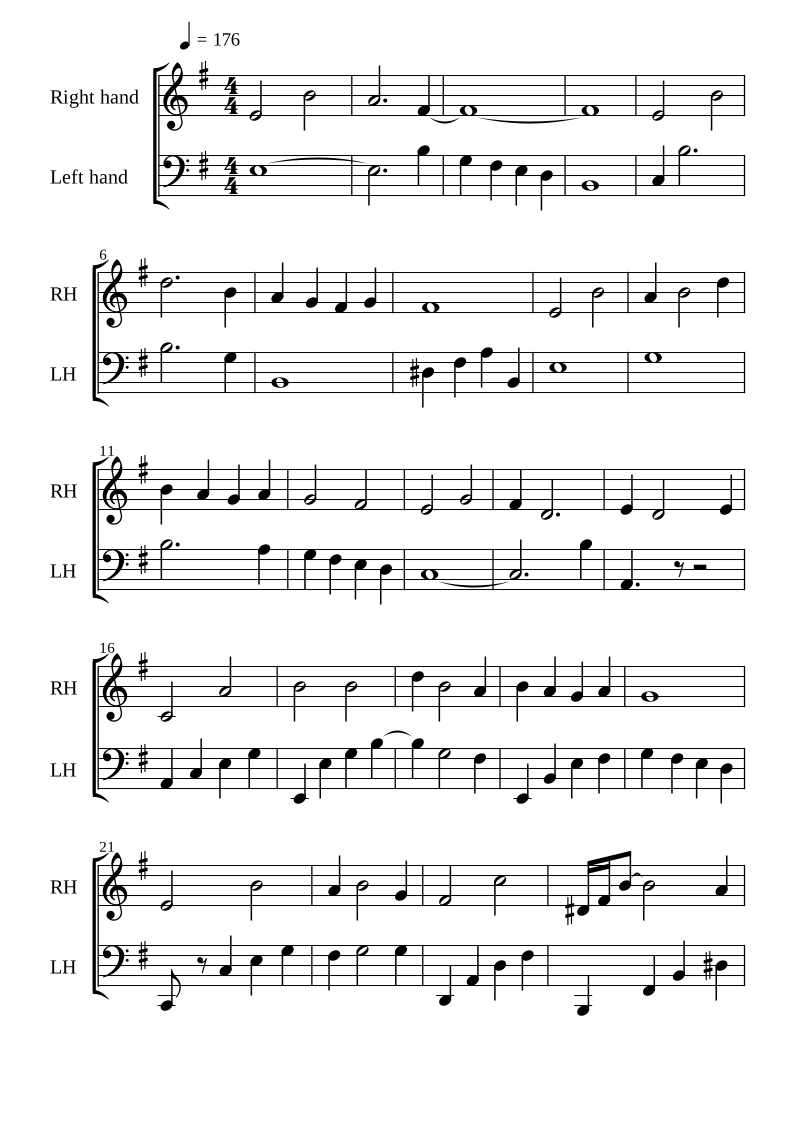
Upload a piano recording. Listen to the score, change a note, and practise at your own pace.
Start with The End, a saved Piano CRNN transcription.Keep the sheet in view, with the tools you need beside it.
Upload audio or open a saved project. The End example is ready to explore.
Hear a note, move its pitch, or change how long it lasts. Undo is always close by.
Slow down, focus on one hand, add a metronome, or follow the falling notes.
Try a few things, then leave a short note about what felt confusing or what broke.
Start with the example ↗Choose “Try The End” on the app’s front page.
Play the score, edit one pitch and one note length, then try Undo.
Save your project, then share your feedback on the website.
Unzip, open the app, then choose Set up piano once.
Python is included. No Terminal commands.
Preflight alpha: native Mac/Windows launch checks are pending. These packages are not Apple-notarised or Windows publisher-signed, so your computer may ask you to approve the app. First setup needs internet and at least 2 GB free on Mac or 3 GB on Windows. The model and runtime are reused across updates.
On Mac, check Apple menu → About This Mac for your chip. On Windows, extract the complete folder before opening Piano Translator.exe. iPad users can try the browser example.
Use the web app in your browser. The prepared example works without Python or a model download. Mixed-audio transcription runs in the browser and is experimental.
The downloaded app runs Piano CRNN on your computer. Desktop alpha packages include Python and open in their own app window. The first run needs a one-time piano setup. Native Mac and Windows launch checks are still pending. Browser-only CRNN uploads still need a connected model server.
The website and feedback form are prepared for the first tester group. Testing on an actual iPad is still to be completed. A desktop CRNN runtime cannot simply be installed into an iPad browser.
Find the keys, count the beats and learn what the symbols mean.